










 For practitioners
 For wellness centres
 For pharmacies
 For clinics
 Corporate wellness
Get the LifeHerba app
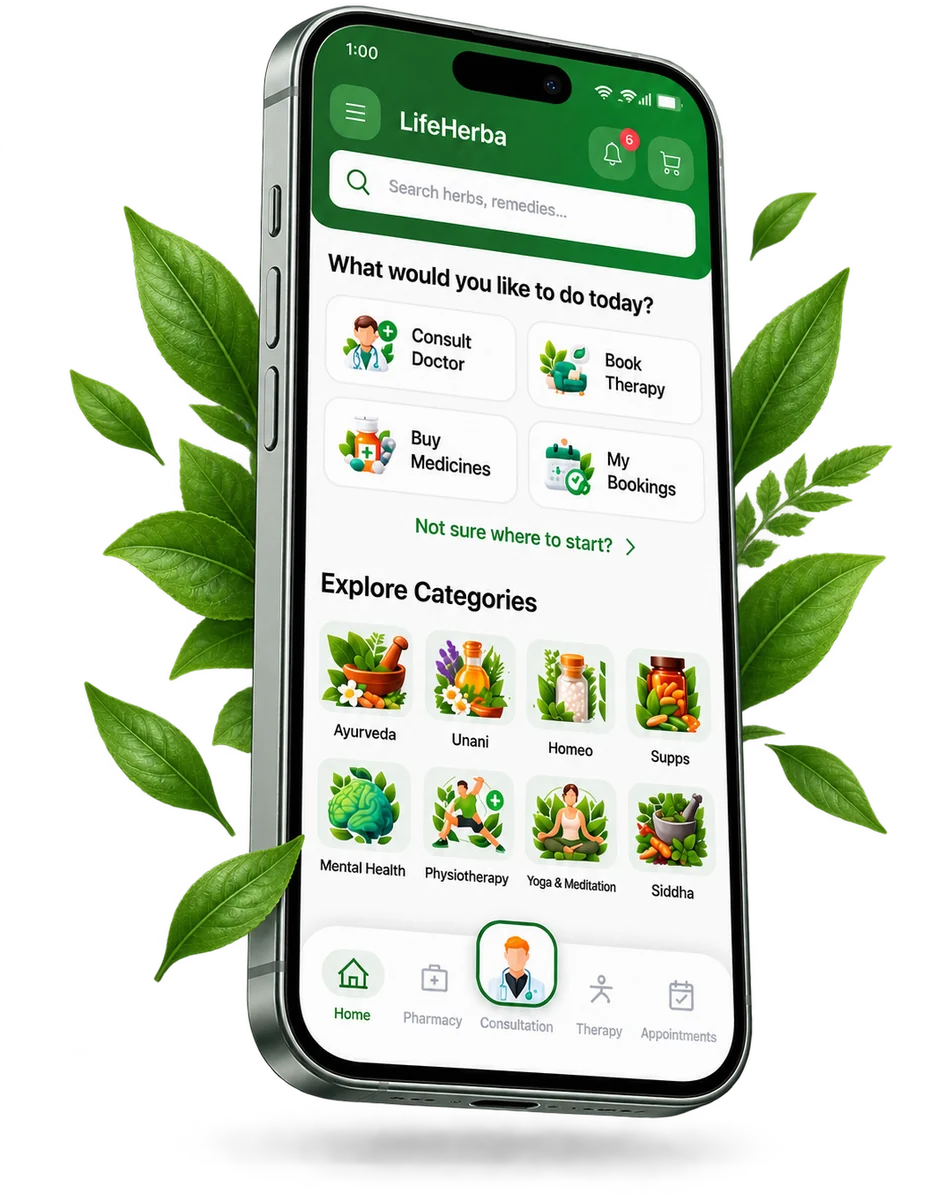
Consult verified AYUSH doctors, order medicines and book wellness therapies, all in one app. Free on Google Play for Android, and in Safari on iPhone.

No Android phone? Use LifeHerba in your browser →
Getting started
Open the Google Play Store on your Android phone, or tap Get it on Google Play above.
Search for LifeHerba and tap Install.
Open the app and sign in with your phone number. Updates arrive automatically through Play.
Requires Android 7 or newer. Play keeps LifeHerba up to date for you.
On an iPhone or iPad?
LifeHerba isn't on the App Store yet. Register and use the full app in Safari, with the same account and doctors, and add it to your home screen.
Questions or feedback: support@lifeherbagroup.com